If you’re still having issues after connecting the default pages please contact our support team via live chat.
Step 1: Verify Domain Setup 0:00
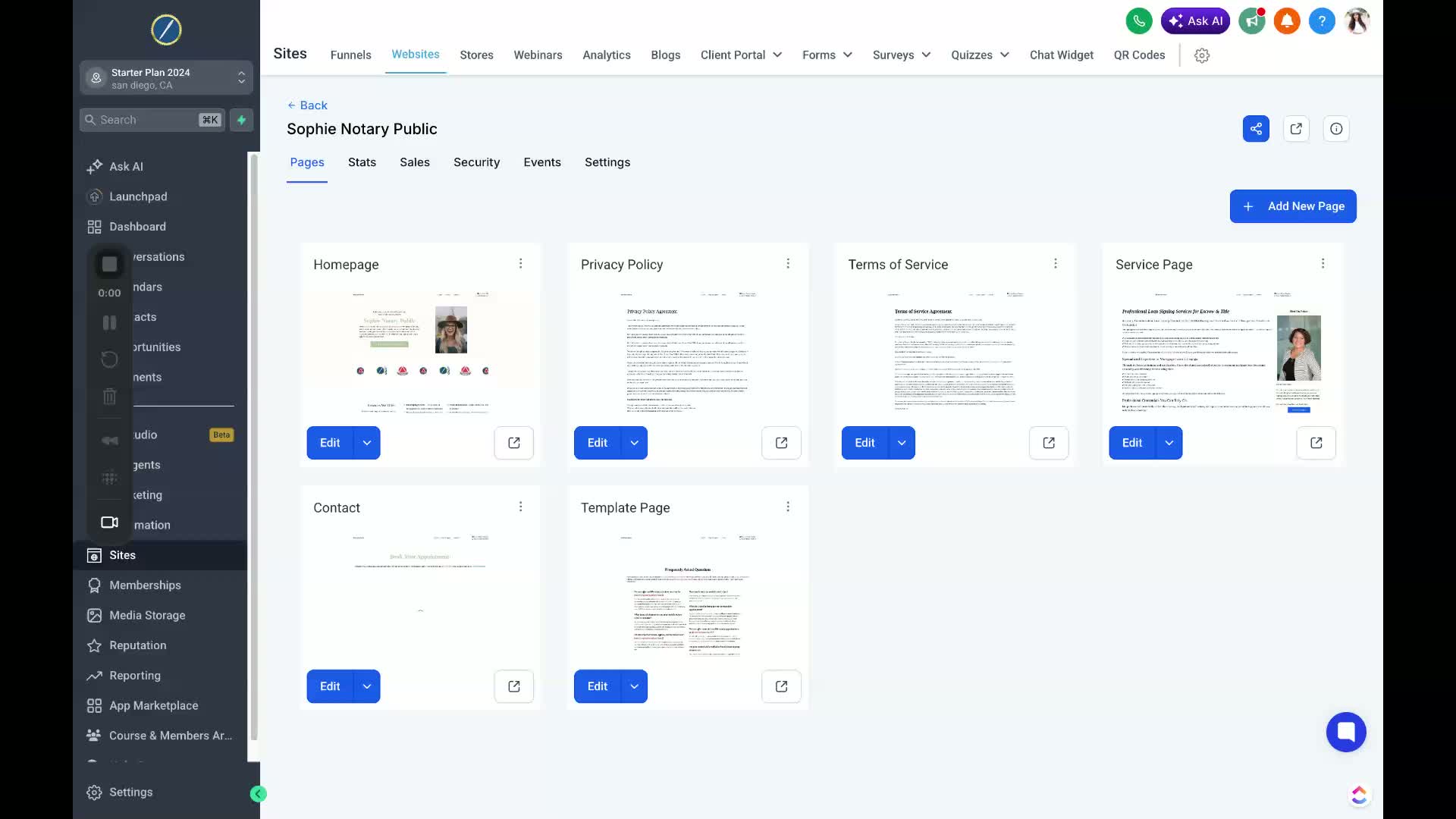
Check if your website is set up with the correct domain.
If you can see your domain, proceed to the next step.
Step 2: Access Settings 0:18
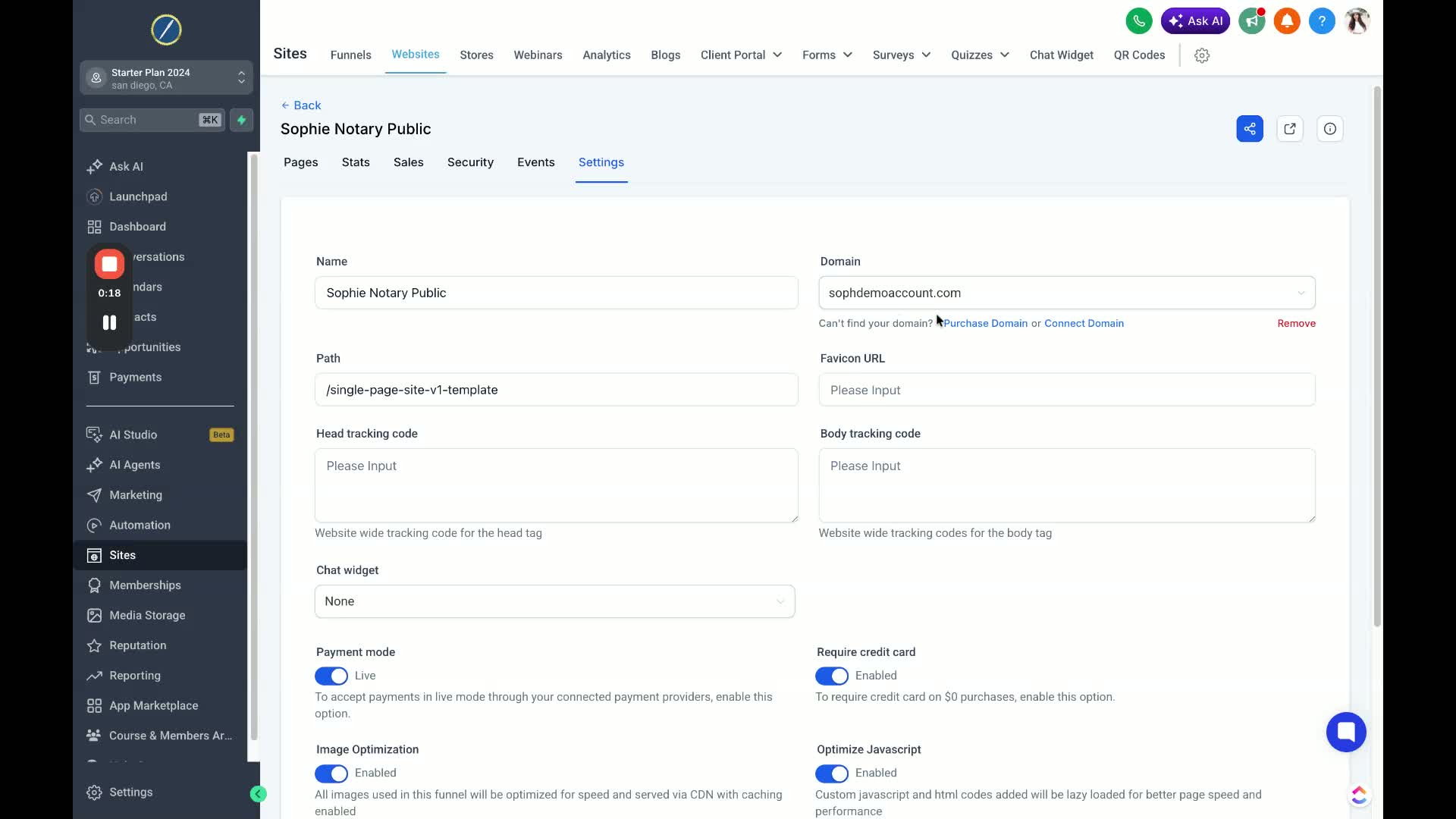
Navigate to the bottom left corner of the menu screen.
Scroll down to find and click on the Settings option.
Step 3: Locate Domain Settings 0:25
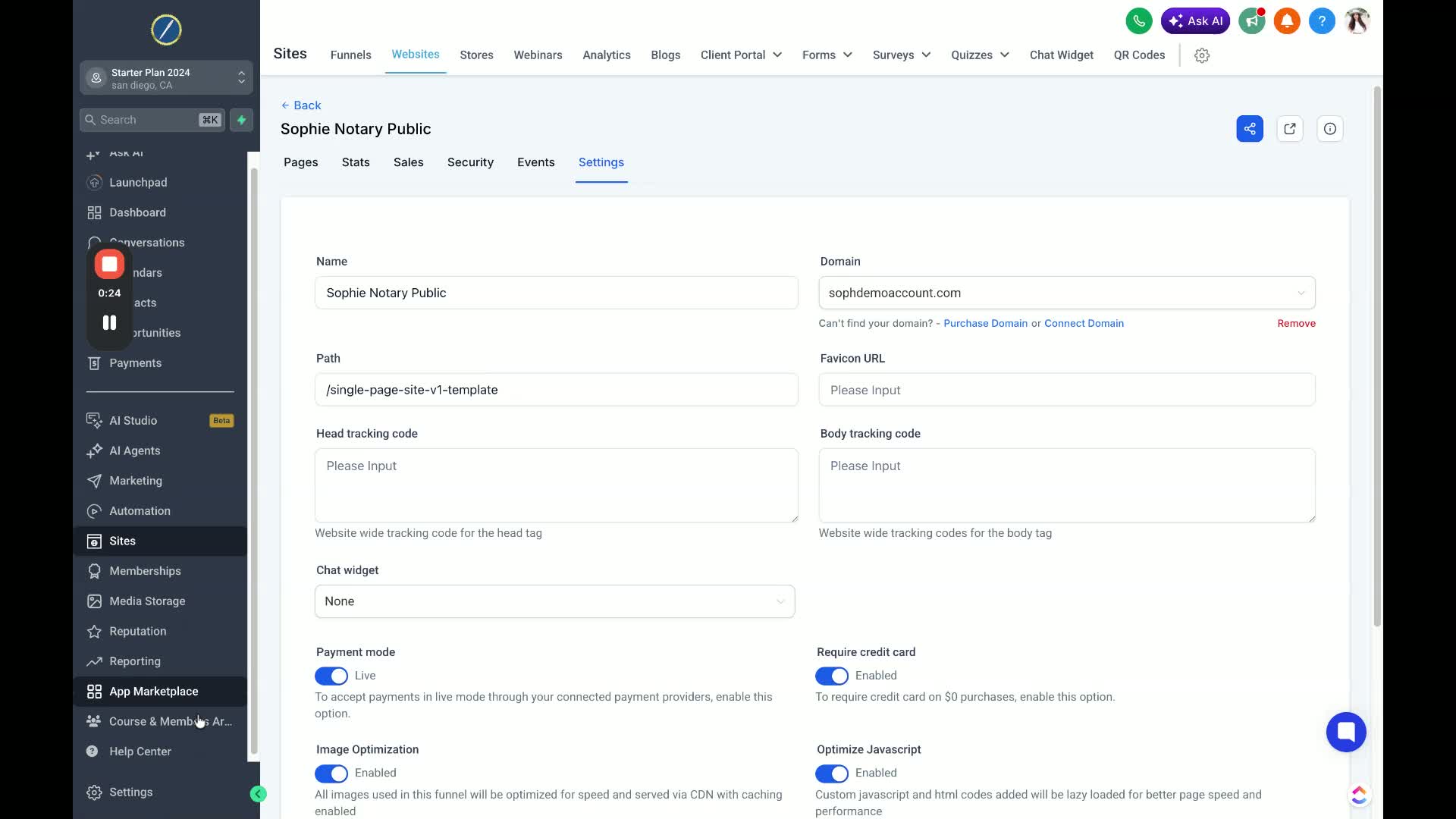
In the settings menu, scroll until you find Domain and URL Redirects.
Click on this option to open the domain settings page.
Step 4: Select Main Domain 0:37
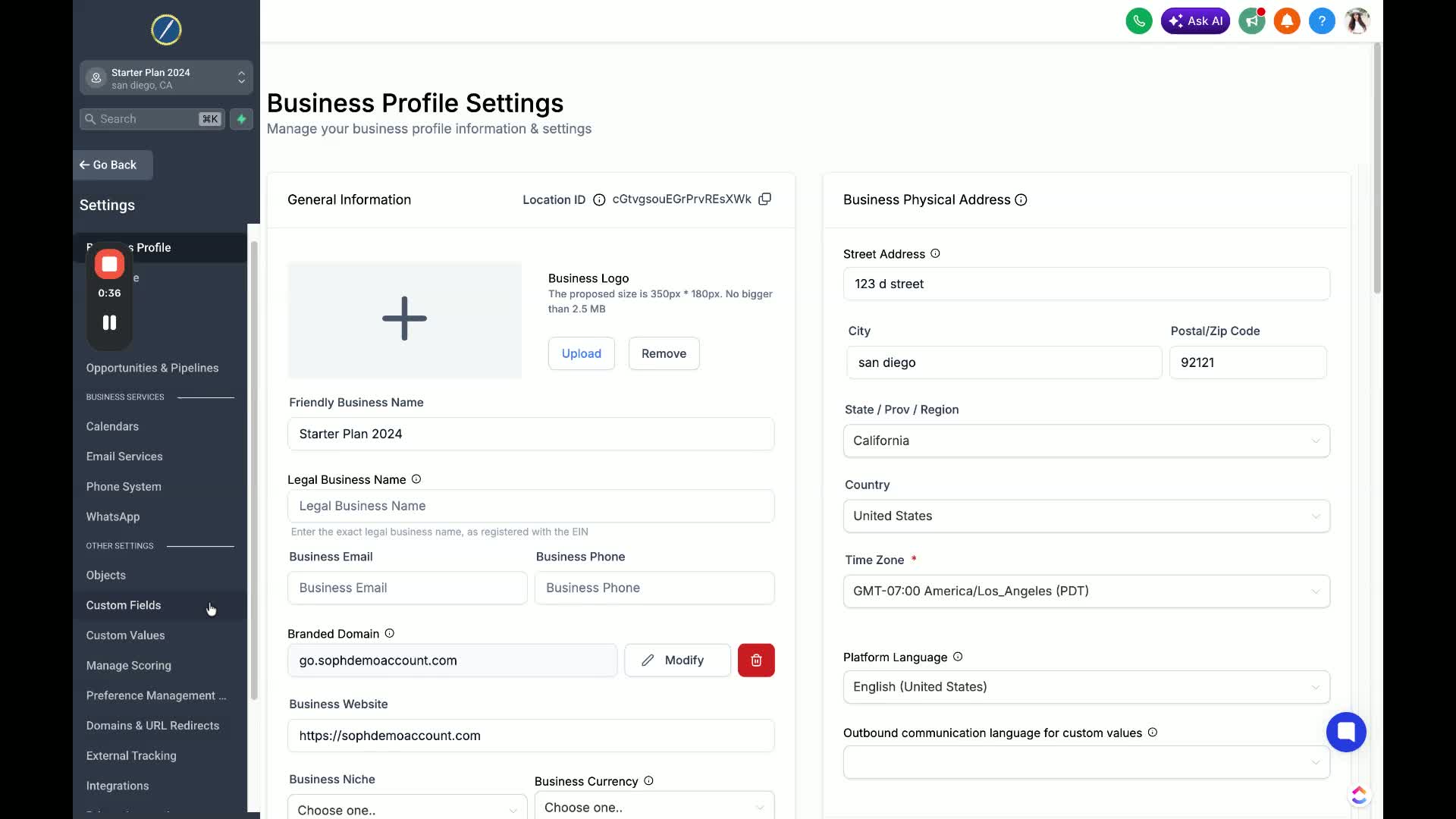
On the domain settings page, select your main domain.
Ensure you are selecting the root domain (without www) and not any variations.
Step 5: Edit Domain Settings 0:56
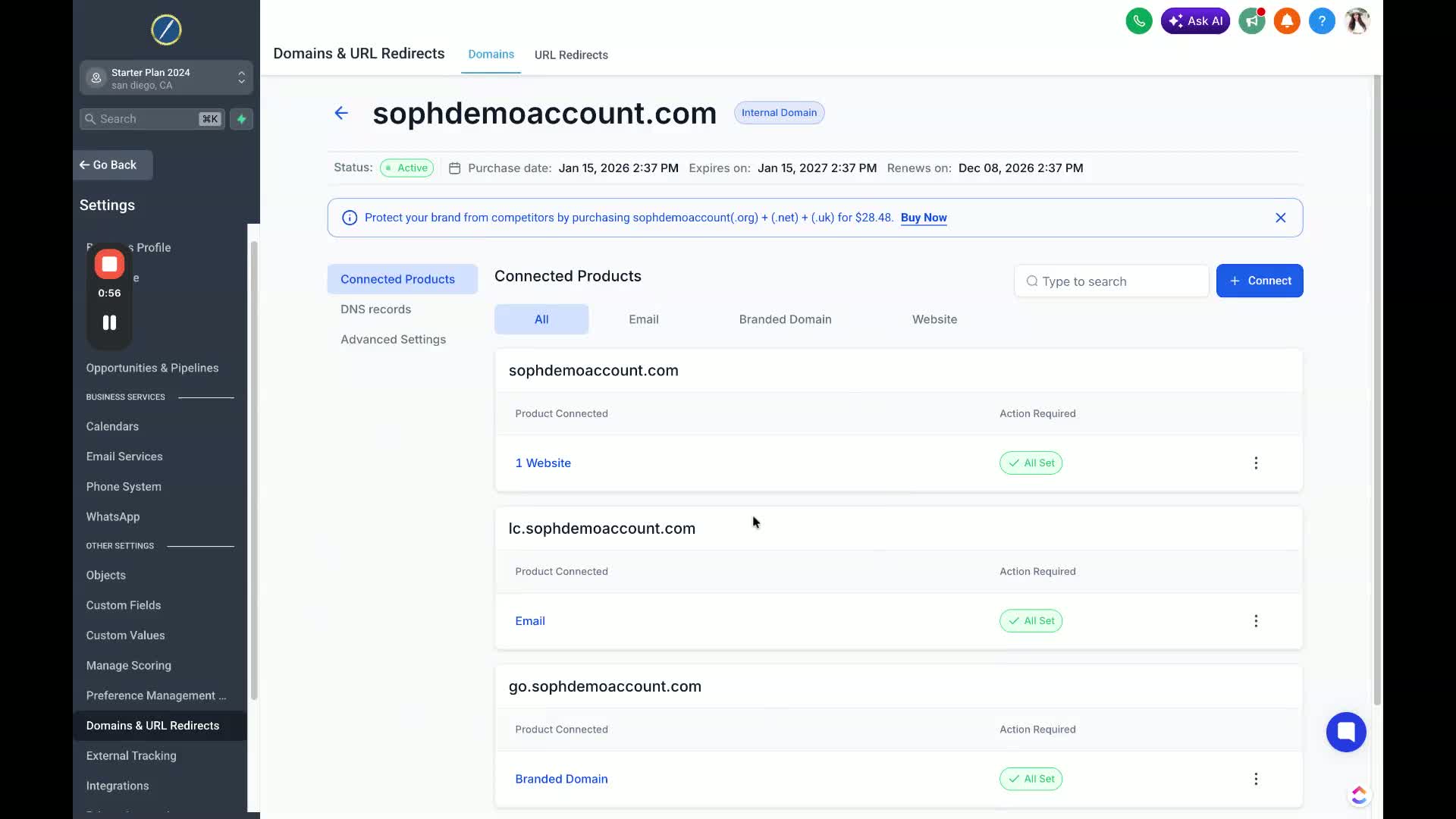
Click on the three dots next to your root domain.
Select Edit from the dropdown menu.
Step 6: Set Default Pages 1:15
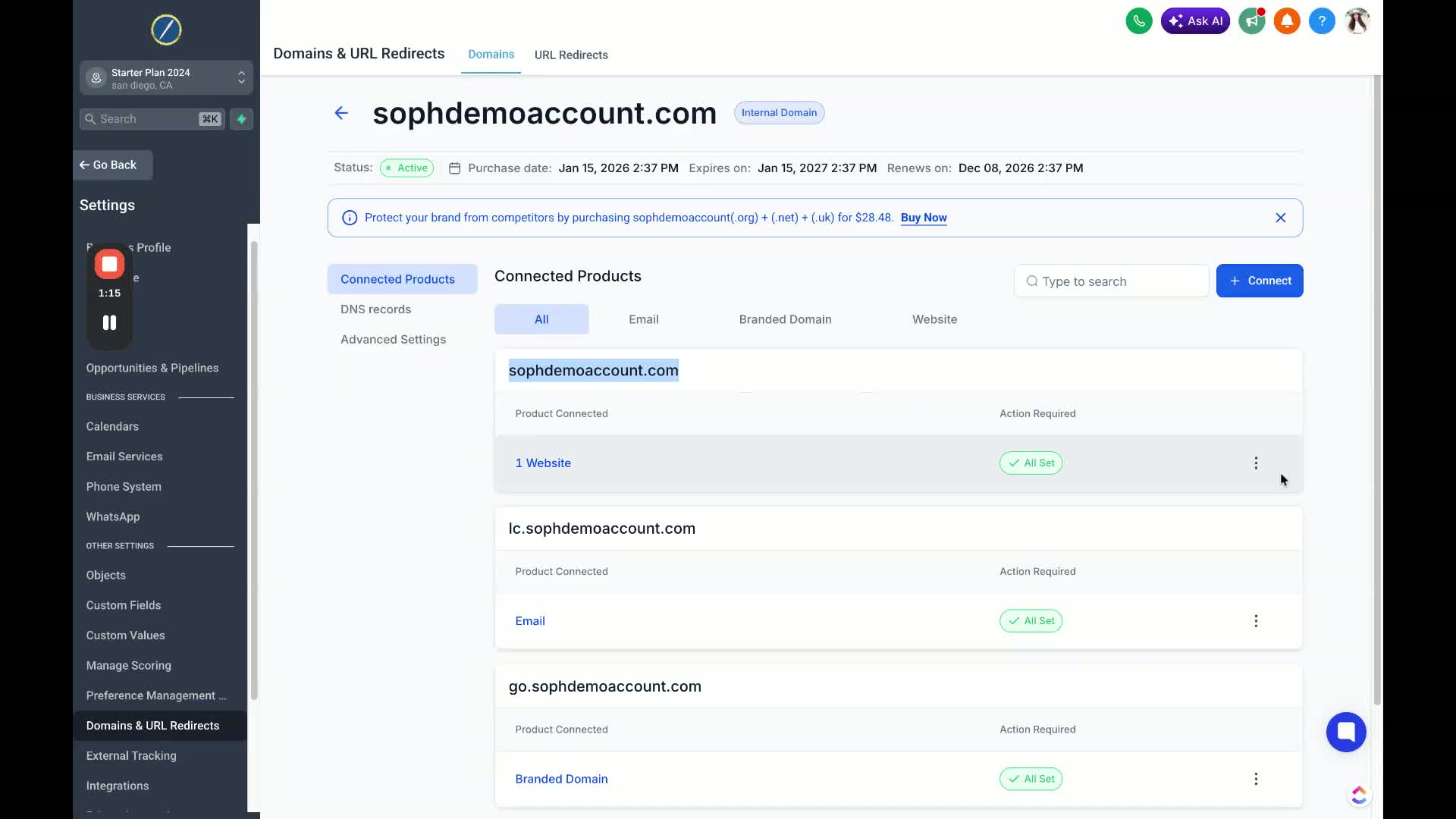
In the edit settings, select the Jira default page and 404 error page.
Click on your home page twice to set it as the default.
Step 7: Save Changes 1:32
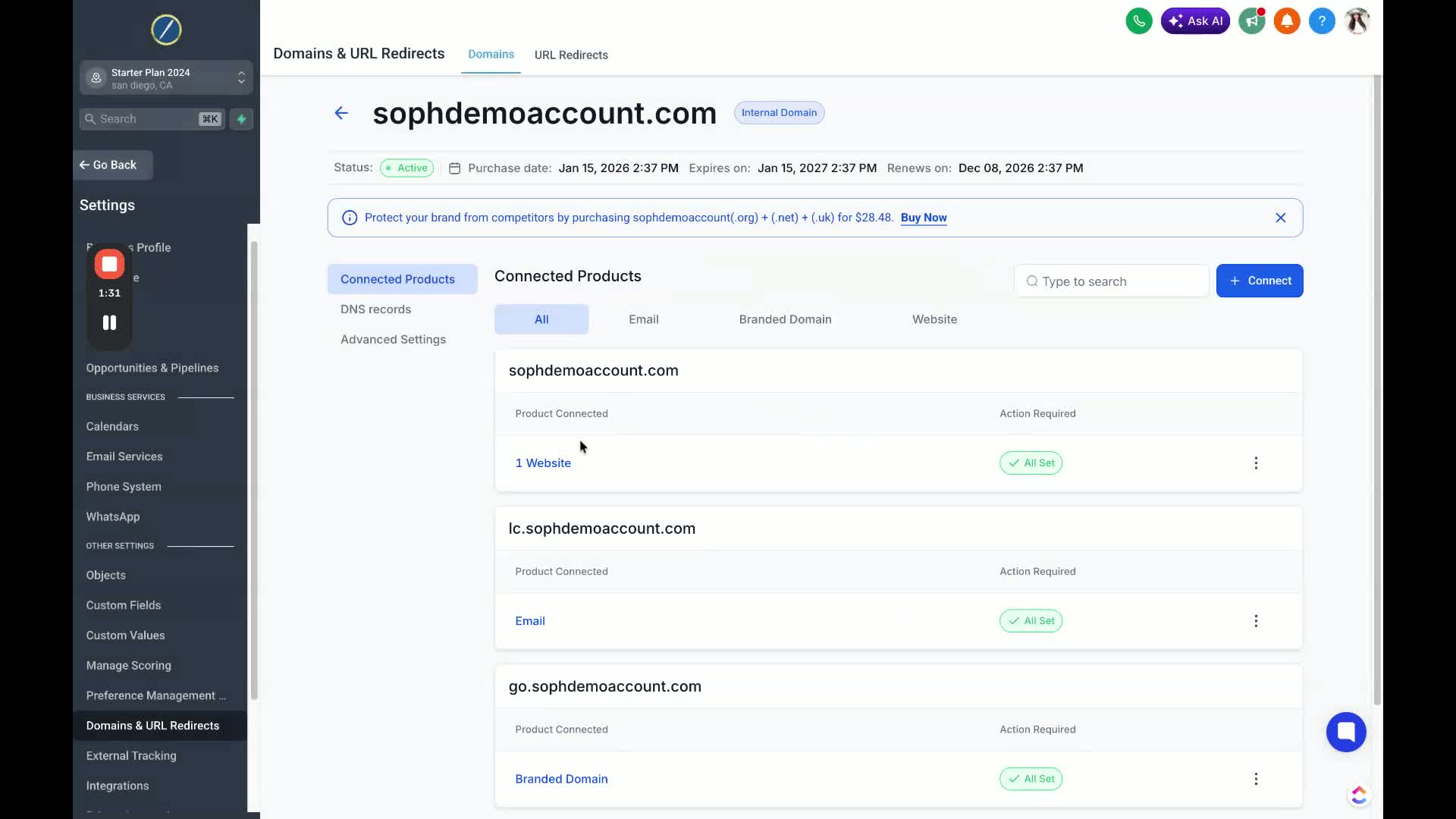
After selecting the home page, click Save to apply the changes.