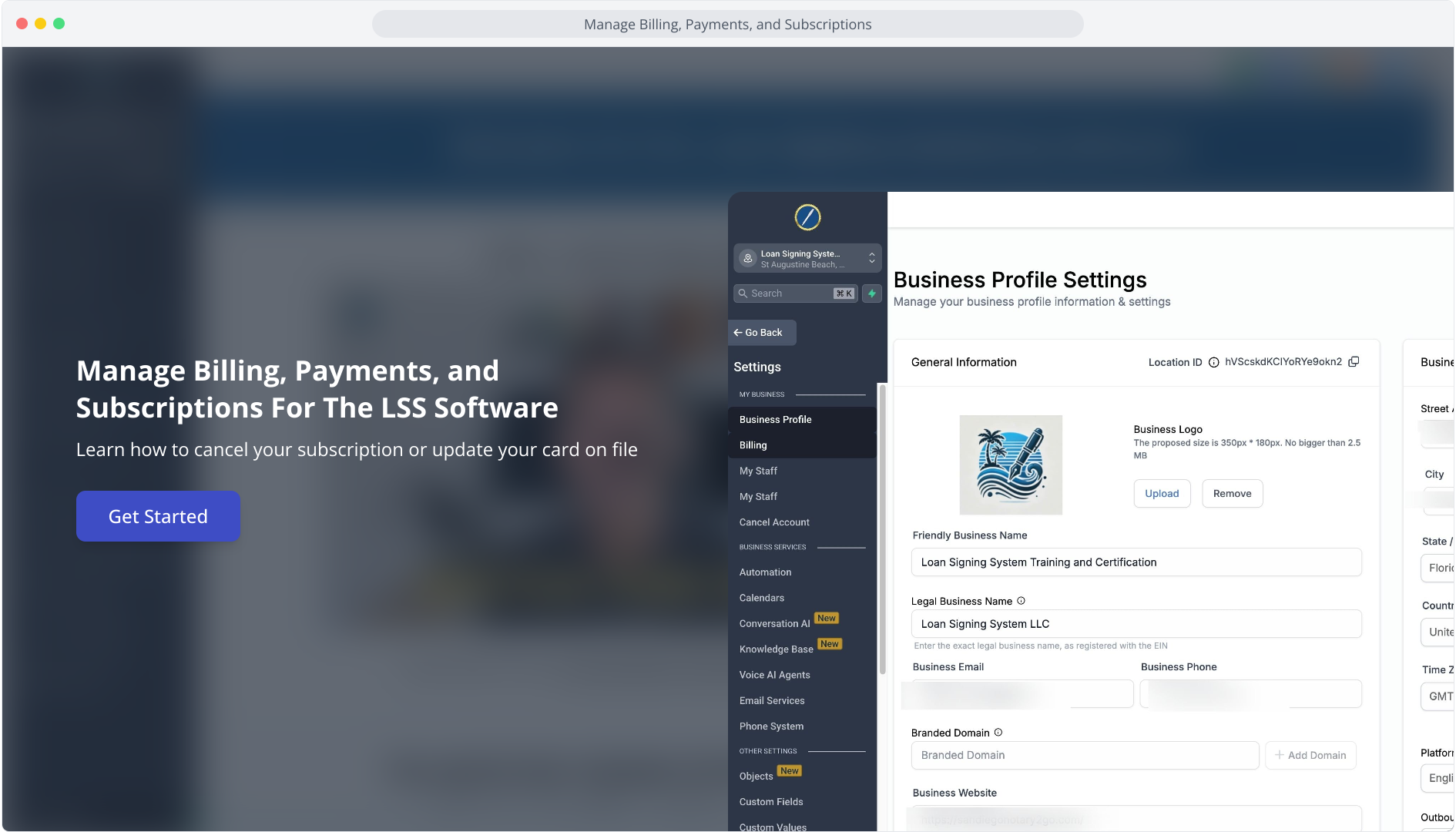
1. Manage Billing, Payments, and Subscriptions For The LSS Software
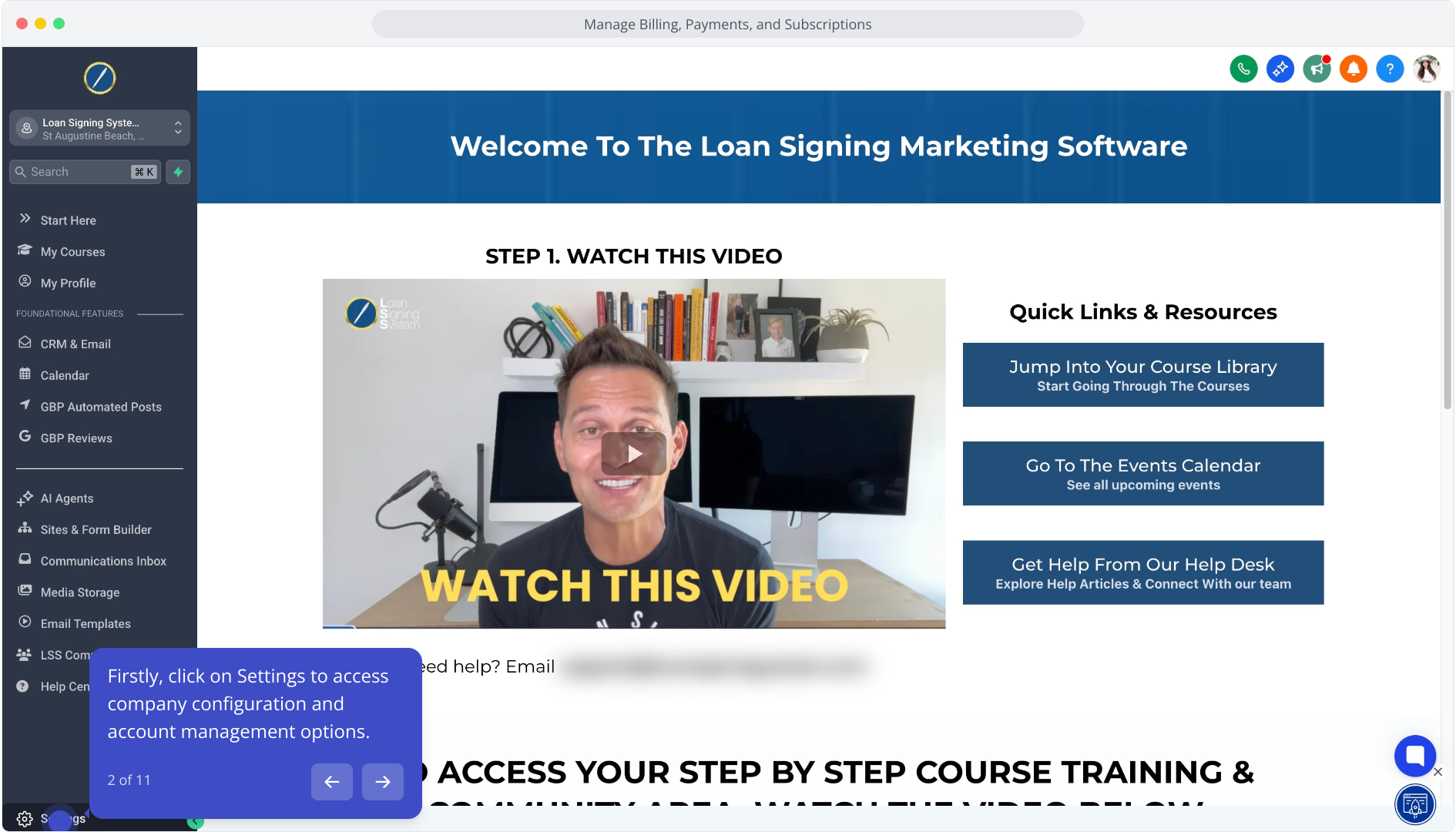
2. Firstly, click on Settings to access company configuration and account management options.
3. Following that, click the Billing option to access billing and payment management settings.
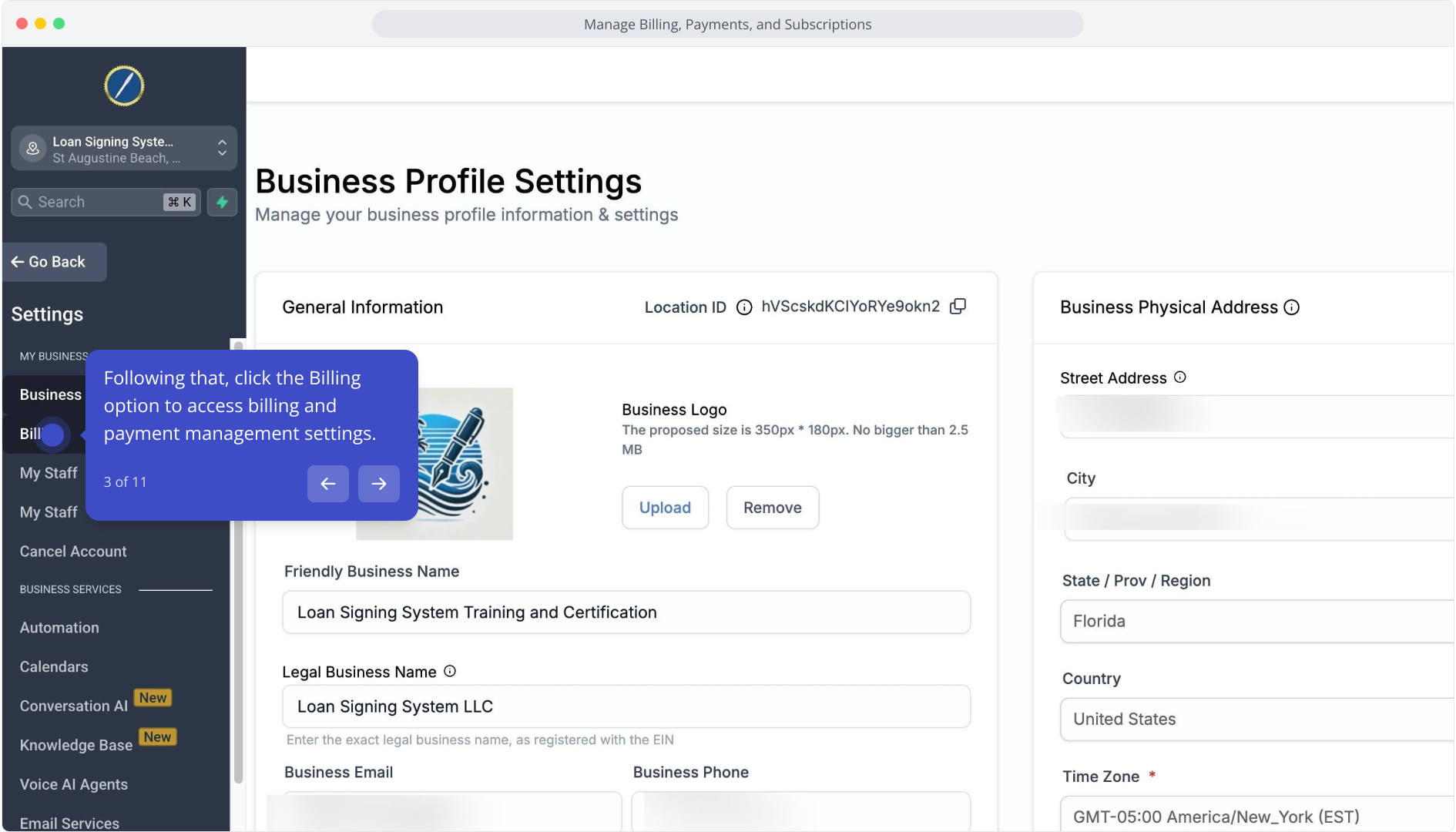
4. Following this, click on "Want to modify / cancel the subscription?" to adjust your plan.
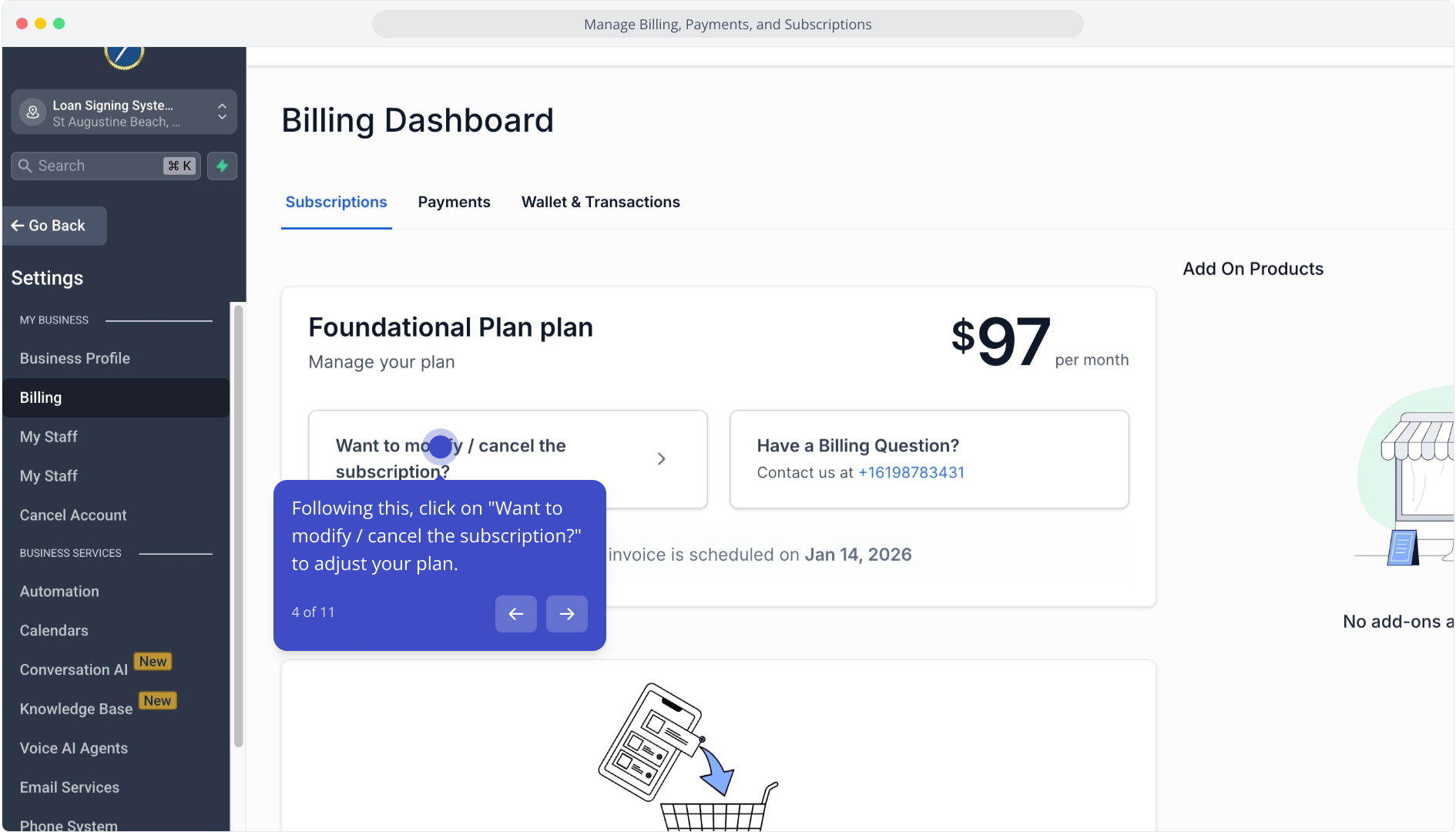
5. If you'd like to cancel your subscription, click Cancel
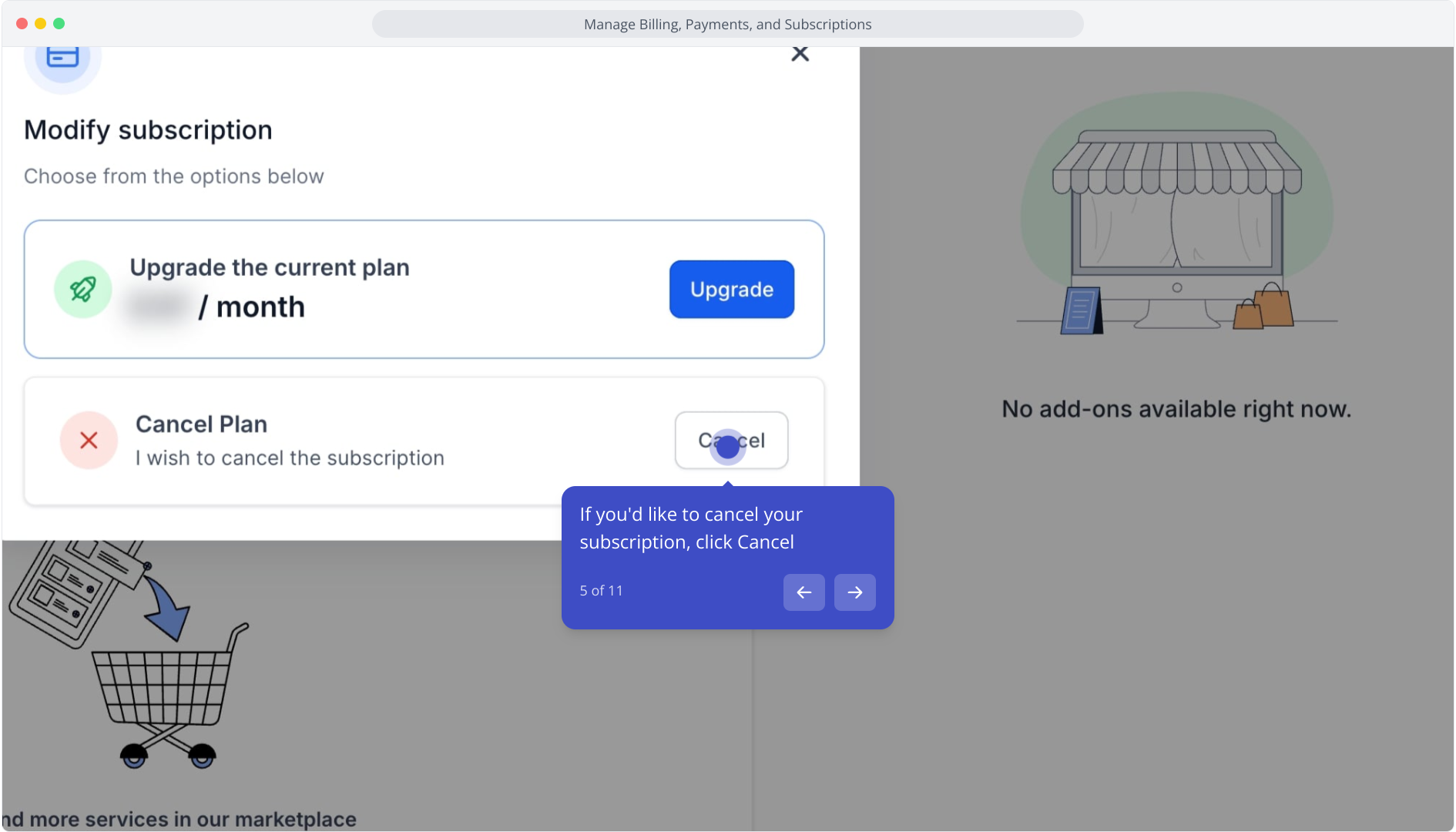
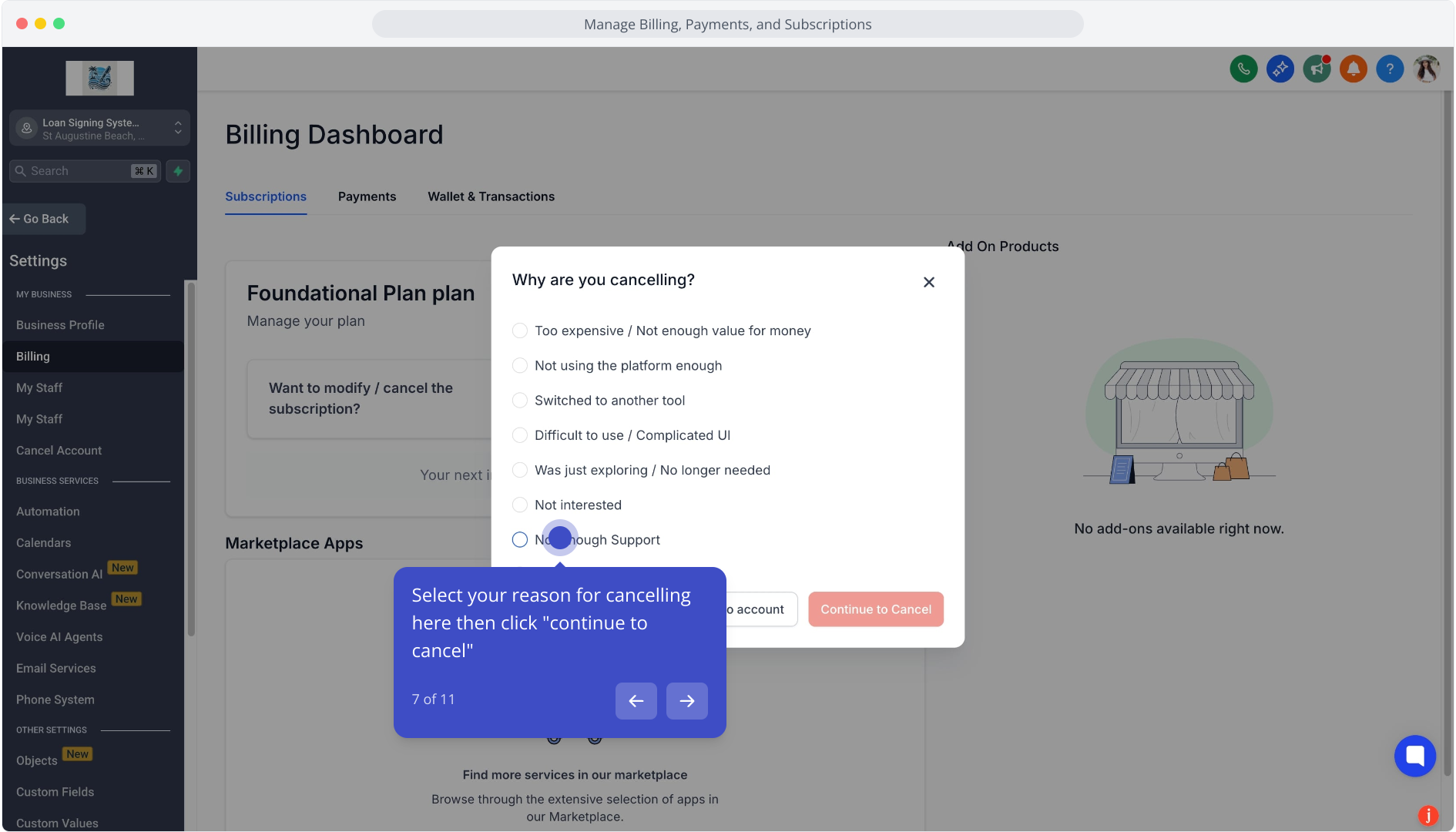
6. Next up, click Continue to Cancel to proceed with canceling your subscription plan.
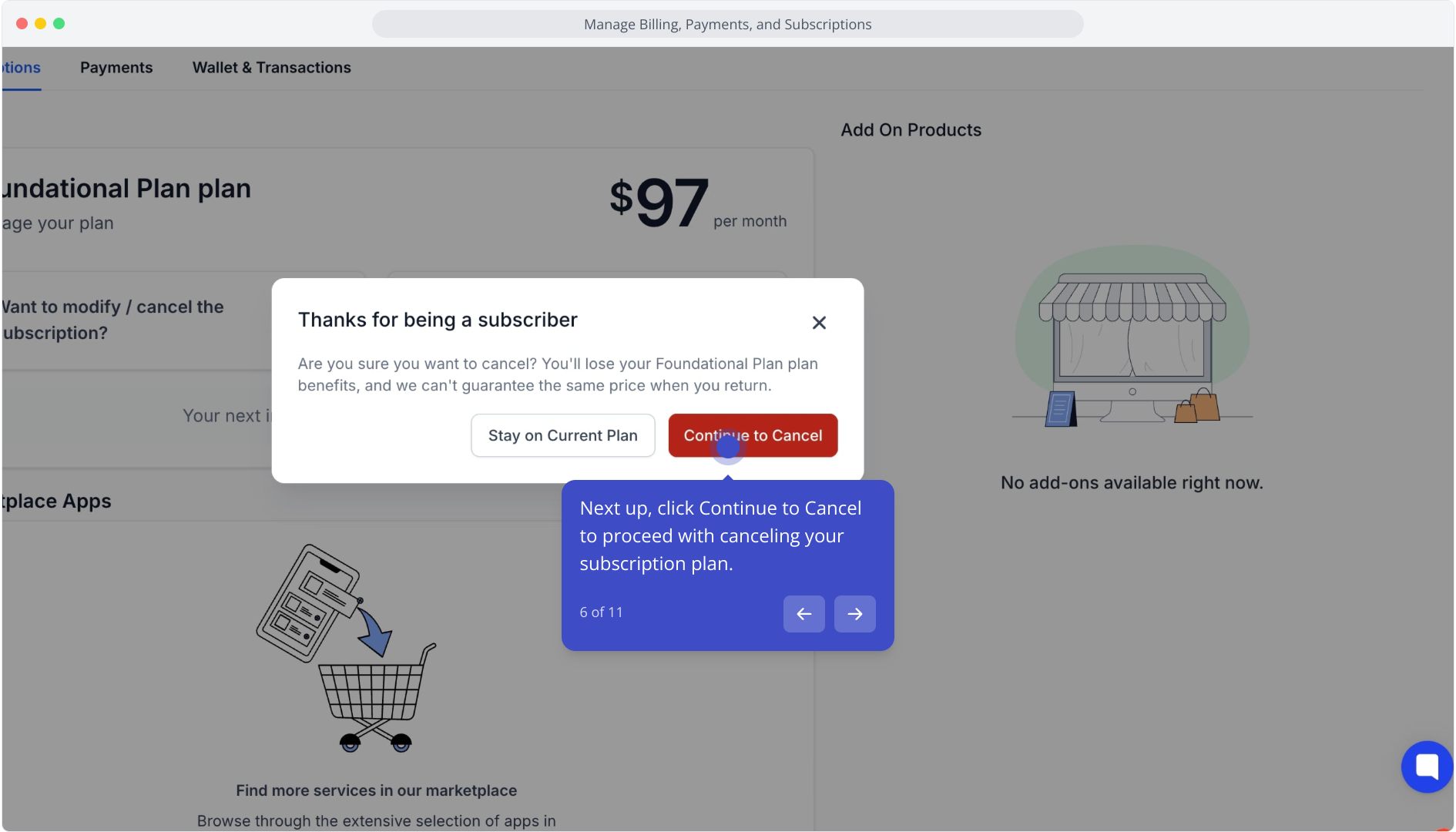
7. Select your reason for cancelling here then click "continue to cancel"
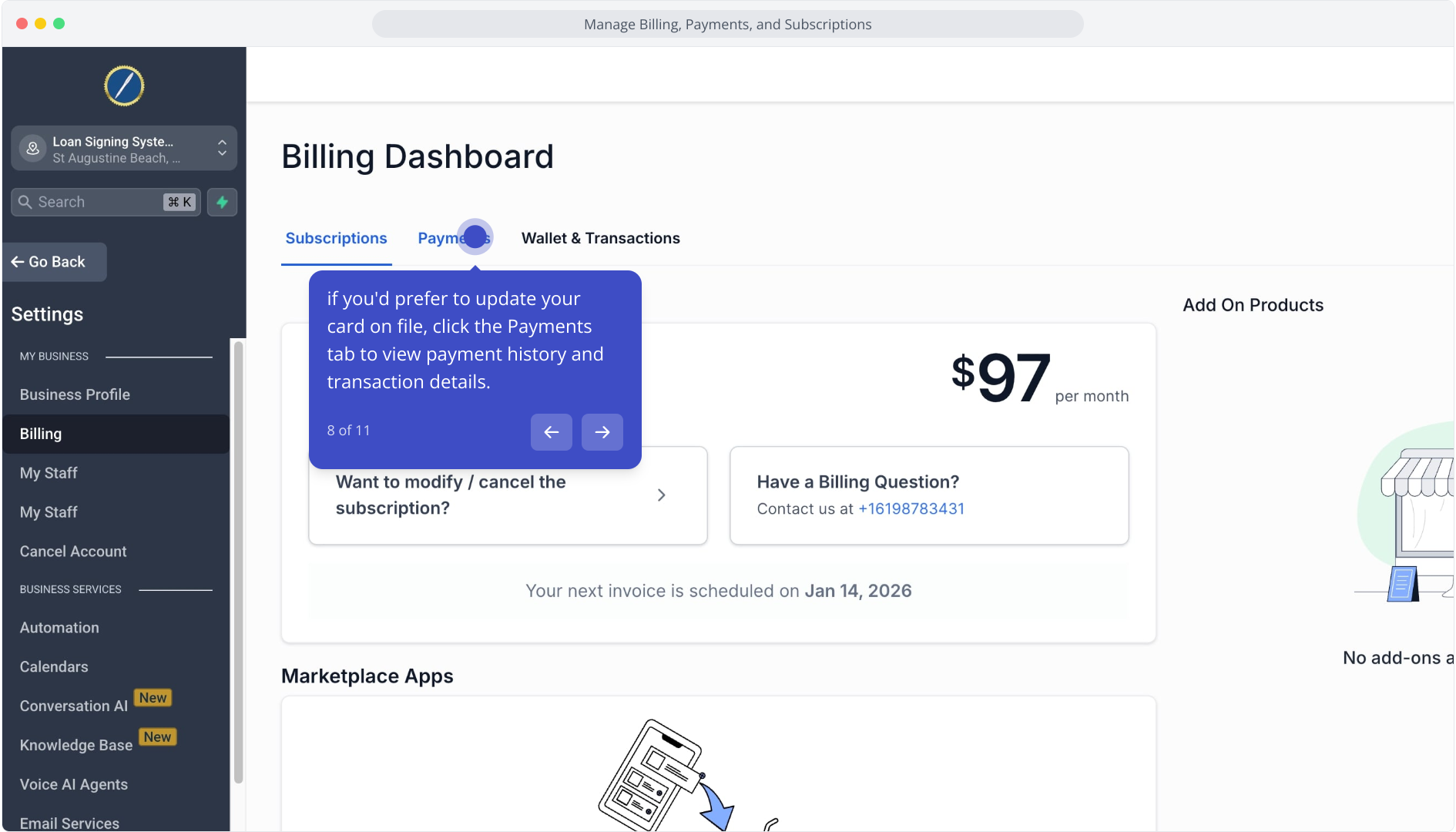
8. if you'd prefer to update your card on file, click the Payments tab to view payment history and transaction details.
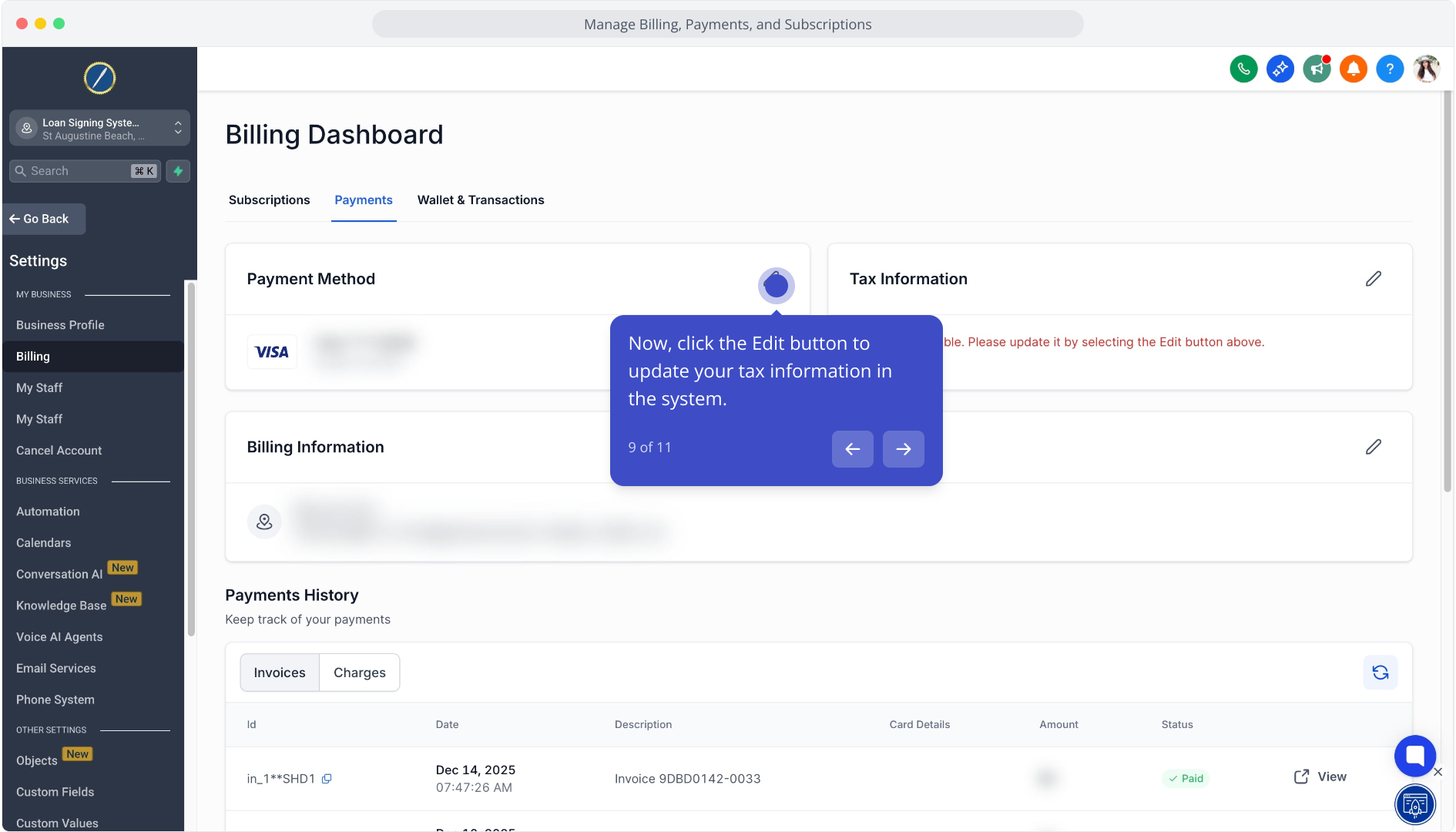
9. Now, click the Edit button to update your tax information in the system.
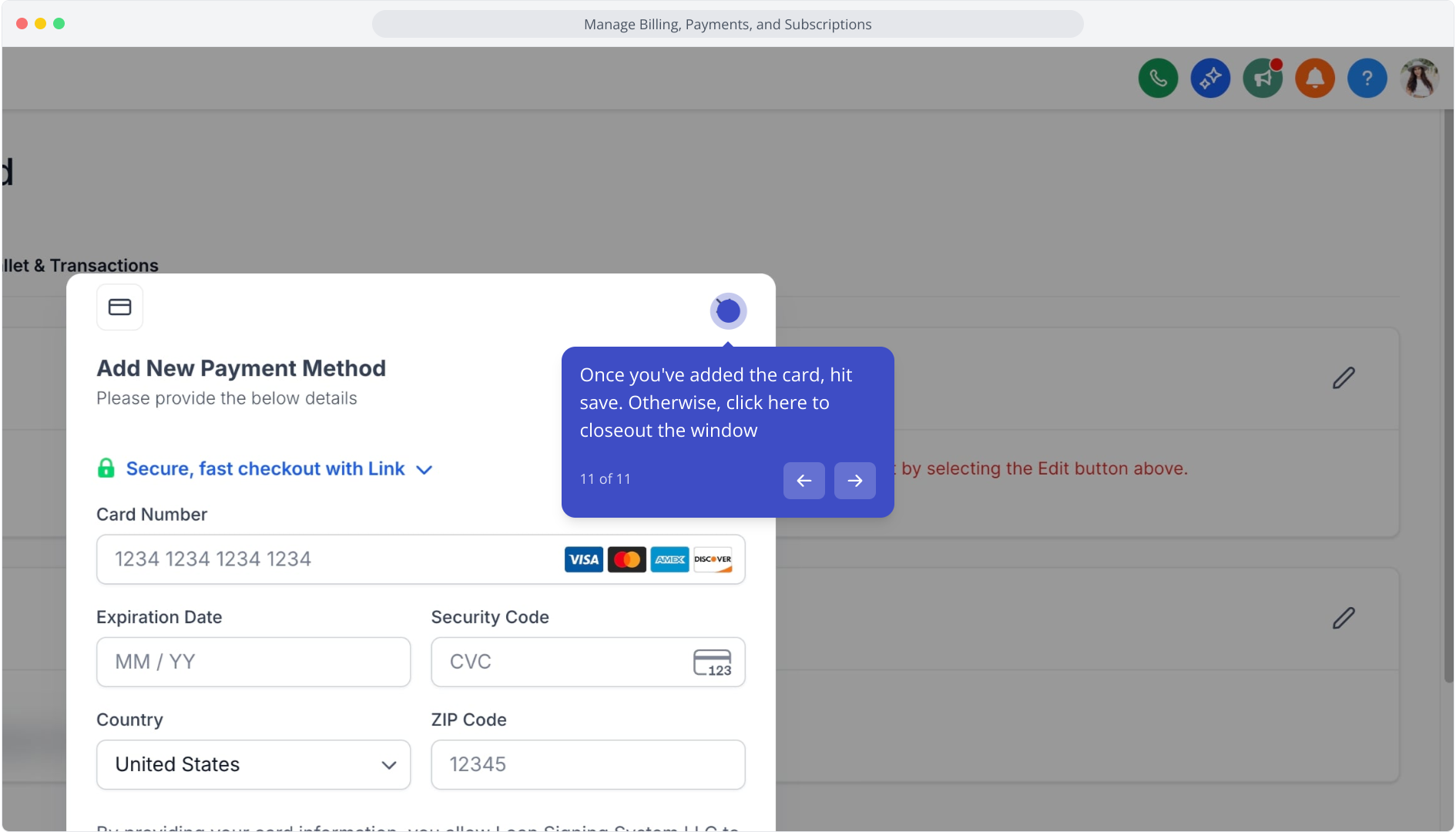
10. From here, click Add New Card to register an additional payment method.
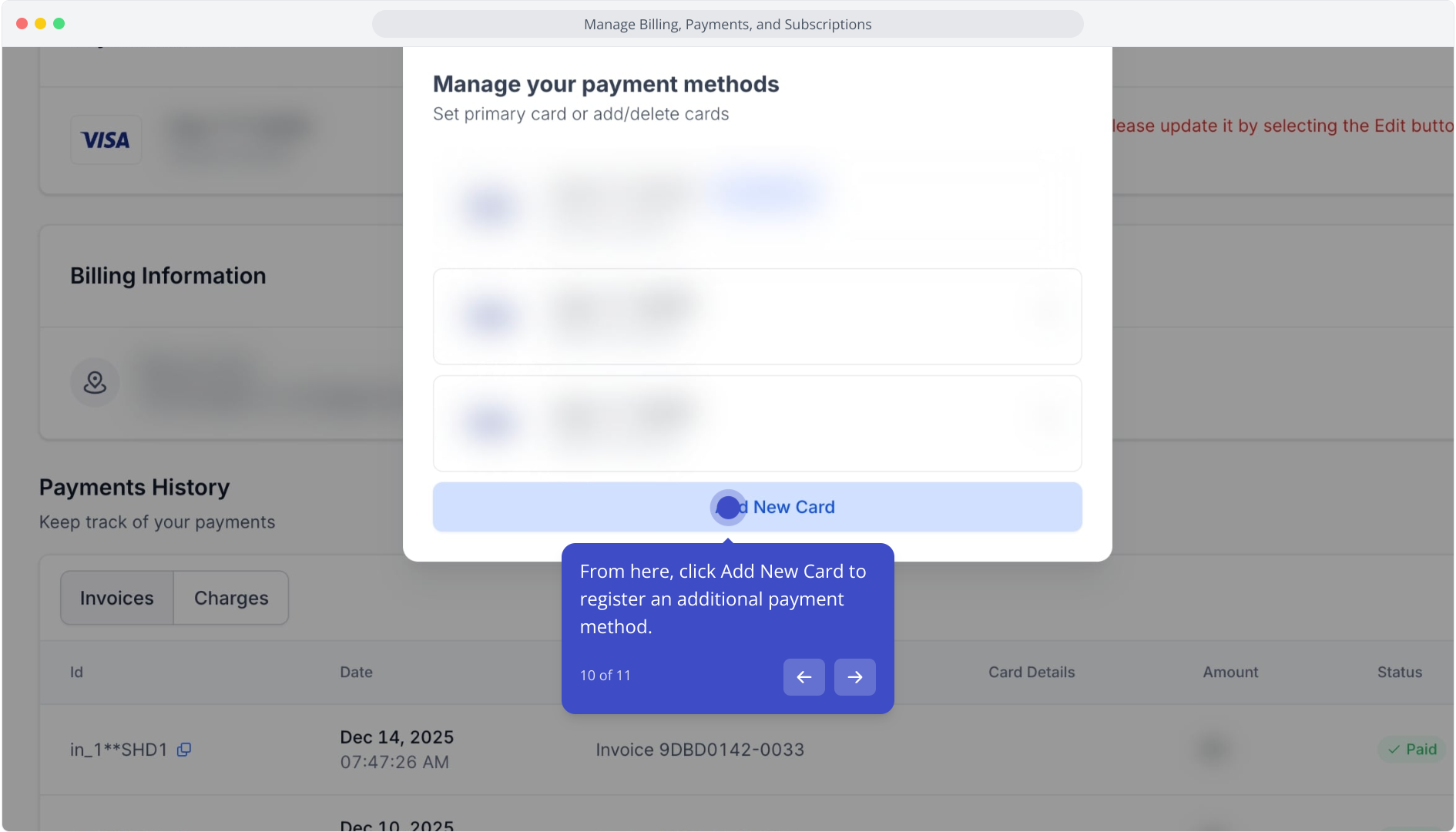
11. Once you've added the card, hit save. Otherwise, click here to closeout the window